An AI-assisted static CMS works best when the editorial process is clear before generation begins. The assistant needs to know what may be drafted, where evidence belongs, which fields are required, and who approves publication. Without those decisions, a faster first draft can create a larger review burden.
A static website adds a useful boundary: approved content is assembled into public files during a build. That boundary can become a deliberate checkpoint for links, metadata, assets, and publishing status. This guide describes a workflow for an editorial site with articles and topic pages. The AI CMS guide explains how assistance can fit into content planning and maintenance without implying that every generated suggestion is ready to publish.
Define the content model before the prompt
Start with the fields an editor must maintain. An article might have a title, slug, summary, category, tags, publication date, body, featured image, alternative text, source notes, and review status. State which fields are required and which values come from a controlled list. Keep the model simple enough that contributors understand why each field exists.
Give metadata a clear purpose. The summary should describe what a reader will learn, not merely repeat the title. Tags should connect articles that share a useful subject. Publication and modification dates should reflect the actual editorial record. A file rebuild does not, by itself, mean an article has been substantively updated.
Document the model with a completed example and an intentionally invalid example. Show how the system responds when an image is missing or a category is misspelled. These examples help both human editors and assisted drafting tools produce predictable content.
Keep a source record beside the draft
Before writing a factual guide, collect the primary references needed to support its important claims. Record the source address, the relevant point, the date checked, and any limits on what the source establishes. Distinguish a product's documented behavior from your own recommendation about how to use it.
Ask the assistant to work from the supplied evidence and mark gaps rather than inventing missing details. A citation-shaped URL is not evidence until someone opens it and confirms that it supports the sentence. Check version-sensitive statements against documentation relevant to the article's scope.
Keep internal source notes out of the public page unless they are meant for readers. The publication should contain useful attribution where needed, while the editorial record can retain the fuller reasoning behind a claim, a correction, or a decision to omit uncertain material.
Bound the assistant's role
Choose specific tasks for assistance: proposing outlines, turning approved notes into a draft, suggesting descriptive headings, checking repeated terminology, or identifying missing metadata. Give each task a defined input and output. A request to rewrite an entire content collection should receive more scrutiny than a request to shorten one approved summary.
The NIST Generative AI Profile discusses how generative AI use may call for additional human review, tracking, and documentation, alongside attention to input data and third-party risks. Apply that idea proportionately: decide what data an assistant may receive and which outputs require review before they influence public content.
Drafting access and publishing access are separate choices. A useful starting configuration lets an assistant prepare changes in a draft or review branch while a named editor approves the public release. Never place build credentials or private operational notes into article fields that can be exported.
Use an editorial state that means something
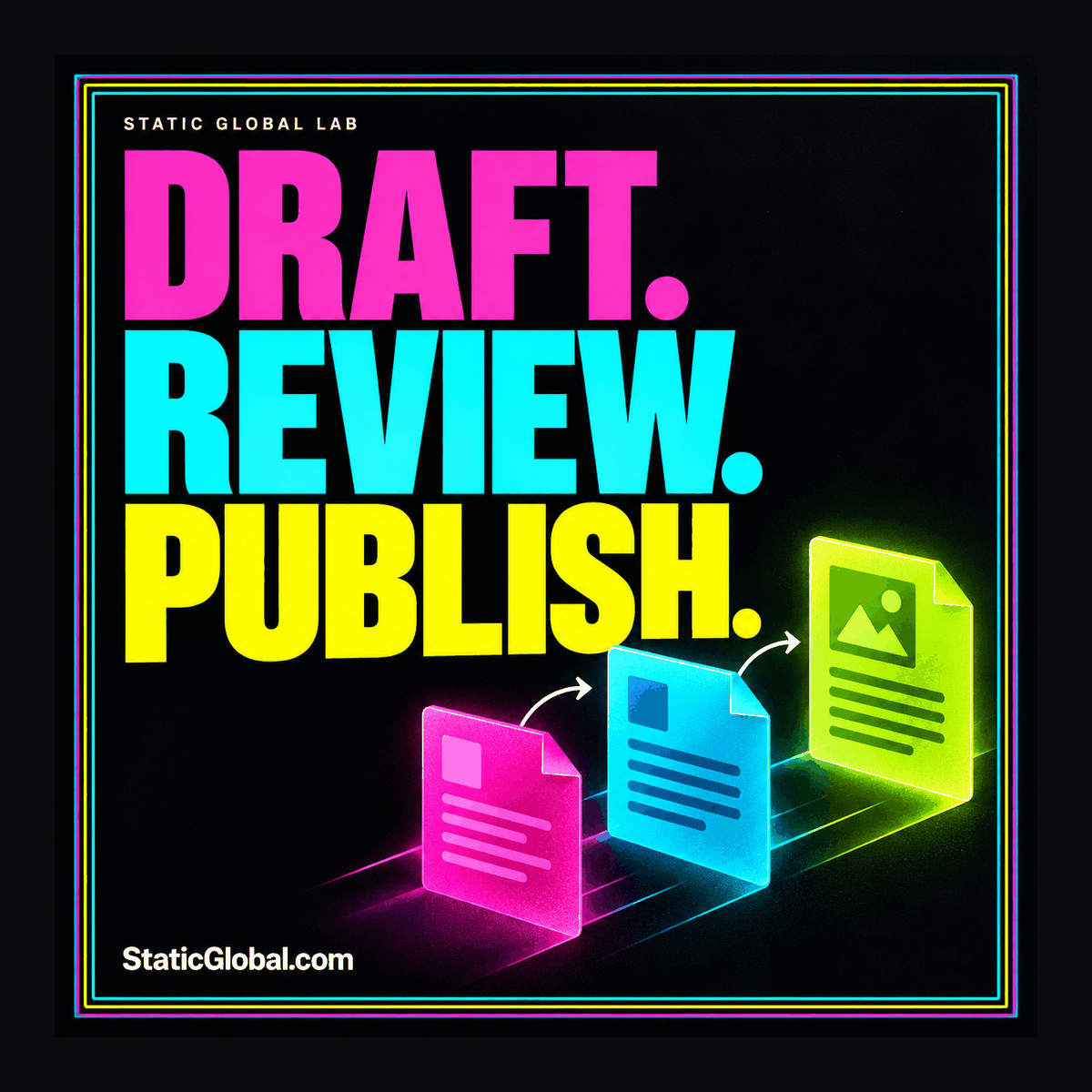
Define a small sequence of states, such as planned, drafting, in review, approved, and published. Explain who can move content between them. The state should represent completed work rather than optimism. “In review” means a reviewer has the draft and evidence; “approved” means the required checks have been completed.
Separate content review from presentation review
In content review, check accuracy, relevance, originality, source support, and whether the article answers its promised question. In presentation review, inspect headings, images, links, typography, and the page's place in navigation. A correct document can still produce a confusing page when a template handles its content poorly.
For a small team, one person may perform several roles. Keep the roles explicit anyway. A short pause between drafting and review can make it easier to notice assumptions that felt obvious while writing.
Make validation concrete and limited
Automate checks that have clear pass conditions. Confirm that required fields exist, slugs follow the URL convention, referenced images are present, and internal links resolve to generated pages. Check that structured data parses and agrees with visible titles and dates. Confirm that draft content is excluded from the public build.
Use editorial judgment for matters that cannot be reduced to a reliable mechanical rule. A word-count check can reveal an unexpectedly short article; it cannot establish that the article is useful. A duplicate-title check is valuable; an arbitrary demand to repeat a keyword in every heading can make the writing worse.
Return actionable errors. “Missing featured image on this article” gives an editor a clear fix. A long generic build failure encourages guesswork. Where possible, report the affected content file and field without exposing private environment values in logs.
Preview the pages the change affects
An article edit can affect more than its own page. A new title appears in the blog index, category archive, tag archive, related cards, social metadata, and feed. Review a representative set of those surfaces before publishing, especially when a title or excerpt becomes substantially longer.
Build previews from the same templates and asset process as production. Keep preview access appropriate to the material: unpublished content should not become publicly discoverable merely because someone wanted a convenient review link. Check whether preview tooling stores a copy of the draft and who can access it.
The static CMS workflow guide provides context for the relationship between content storage, preview builds, and generated output. Choose a CMS based partly on how well these review steps fit the people who will use it.
Publish a known set of files
Tie the approved content to a specific build. Record the source revision, build result, and destination. Review the generated package for missing assets and unexpected files before it becomes public. An editor should be able to answer which approved draft produced the current article.
Keep a recoverable previous release and a documented restoration process. A rollback can restore the public files while a correction is prepared, but it does not replace fixing the source content. Otherwise, the next routine build can reintroduce the same problem.
When several articles change together, give the release a short content summary. Name substantial additions and corrections. Do not automatically describe every release as an update to every article, because that makes genuine modification history less informative.
Practice the process on a small collection
Start with three different pieces: a new educational article, a correction to an existing guide, and a topic page with several internal links. Have the assistant prepare a bounded change for each. Ask the editor to verify sources and approve the content, then inspect the preview and final files.
Measure useful friction: unclear instructions, missing evidence, confusing build errors, and repeated manual cleanup. Improve the model or checklist where those problems recur. Avoid treating the number of generated words as a success metric. The better question is whether the team can publish accurate, maintainable material with a clear review record.
Include one deliberate failure in the trial. Reference an image that does not exist or leave an article in draft while building the site. Confirm that the missing asset produces a useful error and the draft stays unpublished. Then rehearse a correction after publication: change the source, record the genuine modification, rebuild, and inspect the article and feed. A workflow that handles these ordinary mistakes is more useful than a demonstration in which every input is perfect.
Conclusion: make publication an editorial decision
AI assistance becomes more dependable when it operates inside a content model, a source process, and a review sequence that people understand. Static publishing provides a concrete release boundary, but the team must decide what qualifies content to cross it.
For the storage decision behind this workflow, read Git-based vs headless static CMS. Then test the editorial cycle with real contributors before expanding automation across the collection.