PUBLISH WITH CONTROL

Static Global Static CMS

Design a static CMS workflow with clear schemas, revisions, previews, validation, build triggers, scheduled releases, rollback, and editorial ownership.

PRACTICAL FIELD GUIDEPlanning checklist ↓

Turn content into a dependable publishing process

After choosing an editing model, define how content moves from a draft to an approved static release. A dependable static CMS workflow combines a clear schema, useful validation, realistic previews, visible build results, and a recovery process.

This guide focuses on those operating details. The public website can remain a set of prepared files while editors use a separate interface. Make the handoffs explicit so people know whether their change is saved, reviewed, built, or actually available to readers.

CONSIDERATION / 01

Give content a clear structure

Define required fields for each page type, such as title, slug, summary, body, publication date, category, and image description. Use controlled values where consistency matters, and document relationships between entries. Decide what happens when a linked page or category is renamed or removed. Validate important rules near the editing step and again during the build, because either repository files or API entries can contain inconsistent data.
CONSIDERATION / 02

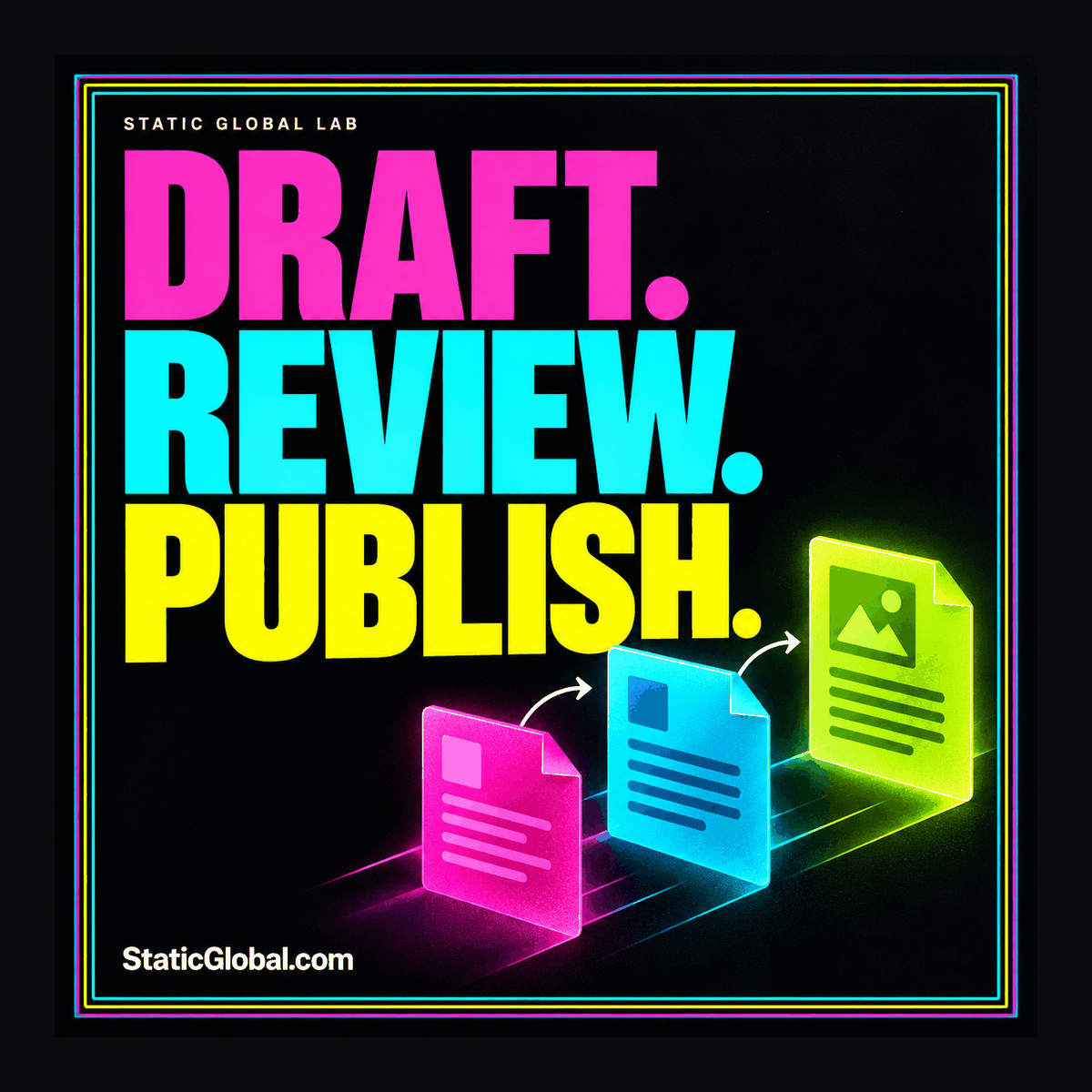
Connect revisions, preview, and approval

Keep an understandable history of changes and identify the revision selected for publishing. Preview that revision with the intended templates and surrounding content, including long titles, responsive layouts, and related links. Protect unpublished material and keep preview credentials out of public files. Test simultaneous edits and rejected drafts so the workflow handles ordinary collaboration instead of working only when one person edits one page.

CONSIDERATION / 03

Make publishing observable and recoverable

Document the event that triggers a build and the signal that tells an editor deployment succeeded. A future publication date alone does not update already served HTML; scheduled content needs an implemented release mechanism. Prevent failed or older builds from unintentionally replacing the approved release. Keep previous public artifacts and preserve source content separately, then practice both a website rollback and restoration of an editorial revision.

Technical reference: Decap CMS: content editing through a Git workflow. Use the documentation for implementation details alongside the planning guidance here.

TURN THE IDEA INTO A PLAN

What to check
before you commit.

Use these questions to make the next step concrete, and keep the answers with your project notes.

  • Define content types and relationships using actual pages before adding optional fields or layout controls.
  • Test creating, correcting, renaming, withdrawing, and restoring content through the full editorial workflow.
  • Make preview use the intended templates while keeping drafts and private credentials outside public output.
  • Assign ownership of build failures, scheduled releases, media replacements, and permissions changes.
  • Keep a usable content export, the build configuration, original media, and an approved deployment artifact.
COMMON QUESTIONS

Work through
the details.

Do editors need direct access to the repository?

Not always. A CMS interface can translate editing actions into repository changes, while an API-based system maintains content elsewhere. Choose permissions around the actual workflow and test them with the people who will use the interface.

What should happen when a build fails?

The workflow should preserve the last approved public release and give the responsible person an actionable failure report. Editors should be able to distinguish an accepted content change from a successfully published website update.

How do I decide between Git and an API-delivered CMS?

Start with the CMS model comparison, then pilot the same editorial task in each candidate. Storage choice matters, but preview, validation, media, roles, and recovery determine whether the workflow is practical.

FIELD NOTES & PRACTICAL GUIDES

Put it into practice.

Explore all articles