THE STATIC WEB

Static Global: your guide to a simpler web

Explore static websites from content and templates to hosting, CDN delivery, migration, and publishing workflows with clear, practical Static Global guides.

PRACTICAL FIELD GUIDEPlanning checklist ↓

A useful starting point for the static web

Static Global connects the decisions involved in making a useful static website. Start with what readers need, choose an editing workflow, turn approved content into files, and publish those files through a suitable host. Each part has a distinct job.

StaticGlobal.com is an independent guide to those choices. Explore HTML, Hugo, and Astro templates; compare content systems; plan a WordPress migration; or investigate delivery and hosting. Follow the route that matches your project instead of choosing an entire technology stack before the requirements are clear.

CONSIDERATION / 01

Understand the publication format

A static website serves prepared HTML, stylesheets, images, and other files. It can still include browser interactions such as a mobile menu or a calculator. The important boundary is whether the essential page is already available in the published output. A public content database or request-time page renderer is unnecessary for that output, although the tools used to create it may have their own infrastructure and access requirements.

CONSIDERATION / 02

Choose one decision at a time

Begin with your content and the people who maintain it. Then decide how templates turn that content into pages, where builds run, and how the final output is delivered. Keeping these decisions separate makes alternatives easier to compare. A CMS does not determine your only possible host, and a static hosting choice does not dictate that editors must work directly in code. Document the connections between the components you select.

CONSIDERATION / 03

Make the next update part of the plan

A polished first release is only one milestone. Test a correction, a new page, an image replacement, and a rollback before considering the workflow complete. Keep an approved copy of the published files and enough source information to rebuild them. Use descriptive paths, useful topic navigation, and complete page metadata so the structure remains understandable to readers and maintainers as the site grows.

Technical reference: Amazon S3: static website hosting fundamentals. Use the documentation for implementation details alongside the planning guidance here.

TURN THE IDEA INTO A PLAN

What to check
before you commit.

Use these questions to make the next step concrete, and keep the answers with your project notes.

  • Write the main reader journeys and separate public information from actions that require a remote service.
  • Assign an owner for editing, build configuration, hosting access, and recovery of an earlier release.
  • Choose templates using real content, including long titles, nested pages, and differently shaped images.
  • Confirm that the public output includes its required assets and serves the intended clean URLs.
  • Practice publishing and restoring a small change before moving the complete website into production.
COMMON QUESTIONS

Work through
the details.

Does static mean the website never changes?

No. Editors can change content and generate a new set of files whenever needed. Static describes how the published page is delivered, while the update process depends on the chosen editing and build workflow.

Can a static website use cloud hosting?

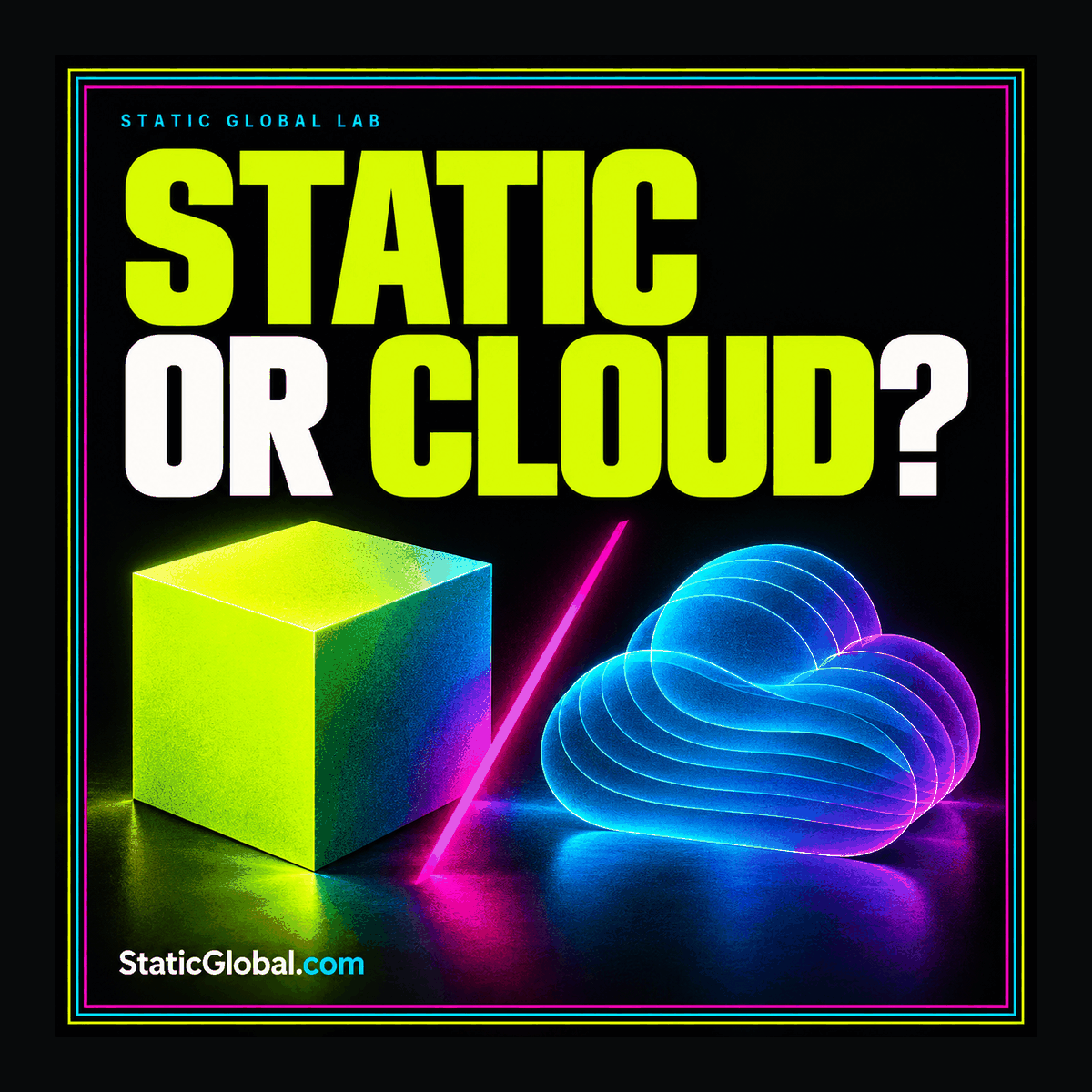
Yes. Cloud infrastructure can store and deliver static website files. Compare the actual hosting responsibilities and deployment controls; the words static and cloud describe different aspects of the arrangement.

Where should I begin with an existing WordPress site?

Start with the content, URL, and feature inventory in our WordPress to static guide. Decide what must remain editable and which existing behaviors need a separate implementation.

FIELD NOTES & PRACTICAL GUIDES

Put it into practice.

Explore all articles